Cursor is an AI code editor built on VS Code by Anysphere, which SpaceX bought for $60 billion in August 2026 and placed in its SpaceXAI division. It combines Tab autocomplete, an agent for multi-file changes, cloud agents and, since September 2026, Projects that coordinate many agents over weeks of work. Models include Cursor's own Composer 2.5, Grok 4.7, Claude Opus 5.5, GPT-5.6 Sol and Gemini 3.1 Pro. Hobby is free; Pro costs $20 a month ($16 billed yearly), Pro+ $60, Ultra $200 and Teams $40 per user.
✓Best for: Working developers who want AI in the editor core and will use agents daily
✗Skip if: You want flat, predictable billing, work only in the terminal, or need an editor other than a VS Code fork
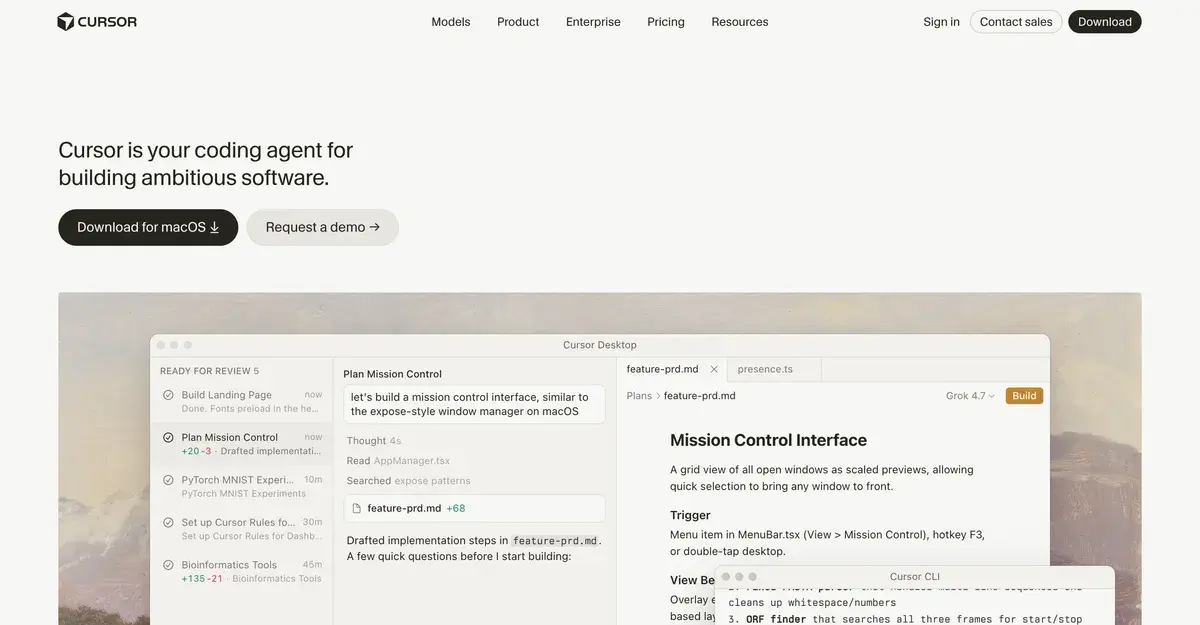
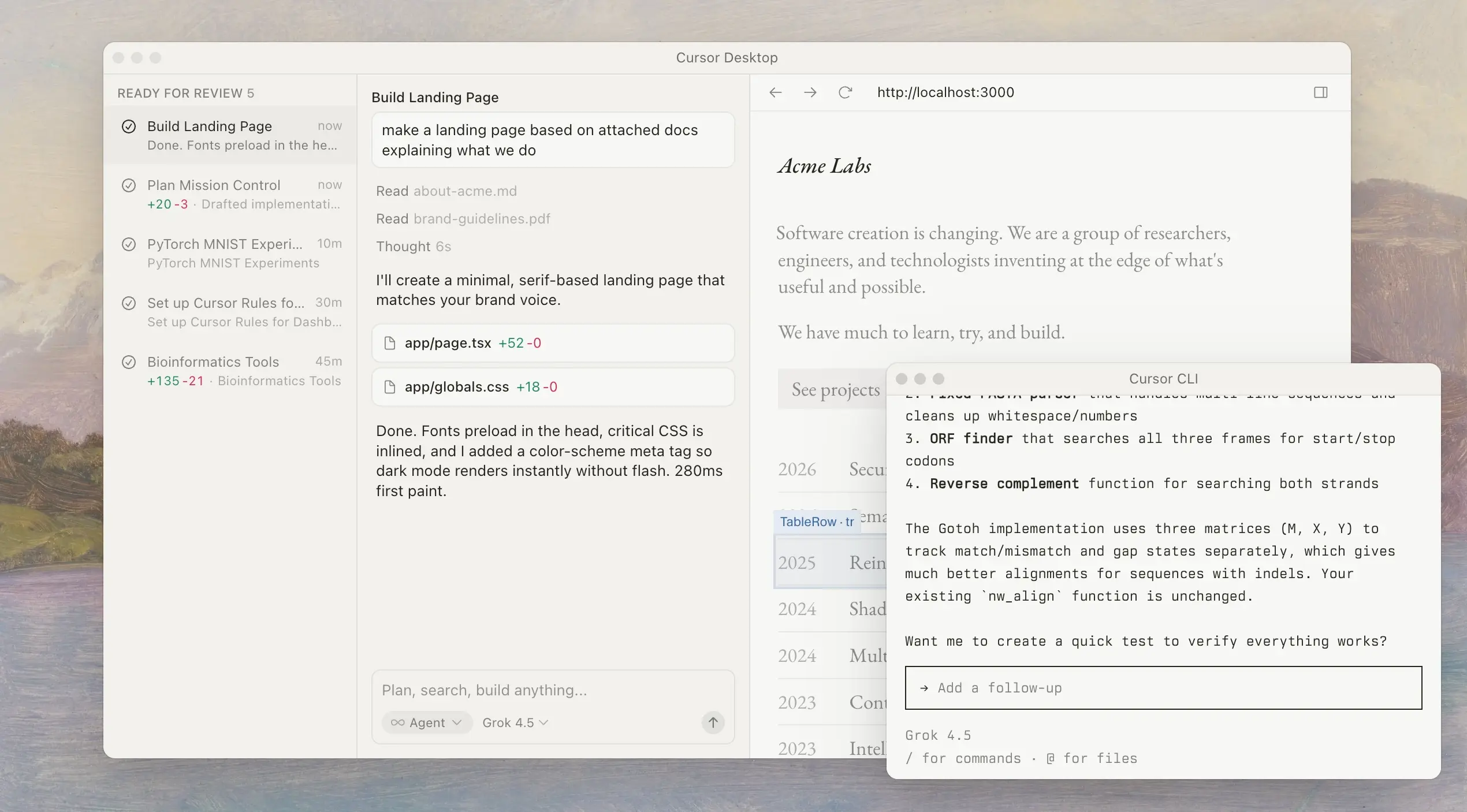
Cursor is the AI code editor most developers end up comparing everything else against. Anysphere built it as a fork of VS Code with AI in the editor core rather than bolted on as a plugin: Tab autocomplete that predicts multi-line edits, an agent that changes many files from one instruction, repository-wide indexing so the AI understands the whole project, and, since Cursor 3, an Agents Window for running local and cloud agents in parallel. Cursor says it is trusted by more than half of the Fortune 500.
2026 changed who owns it. SpaceX, which had already absorbed Elon Musk's xAI, agreed in June to buy Anysphere for $60 billion in stock and completed the deal on August 14, placing Cursor in its SpaceXAI division beside Grok. The effects show up in the product: the pricing page lists generous limits for Grok models and a Grok Bot, and Grok 4.7, introduced on Cursor's own blog in September, sits at the top of the model picker next to Claude Opus 5.5, GPT-5.6 Sol, Fable 5.1, Gemini 3.1 Pro and Cursor's own Composer 2.5.
The core product has not changed direction. Cursor is still an editor you work in every day, with agents increasingly doing larger pieces of work around you.
Building AIVario in Cursor
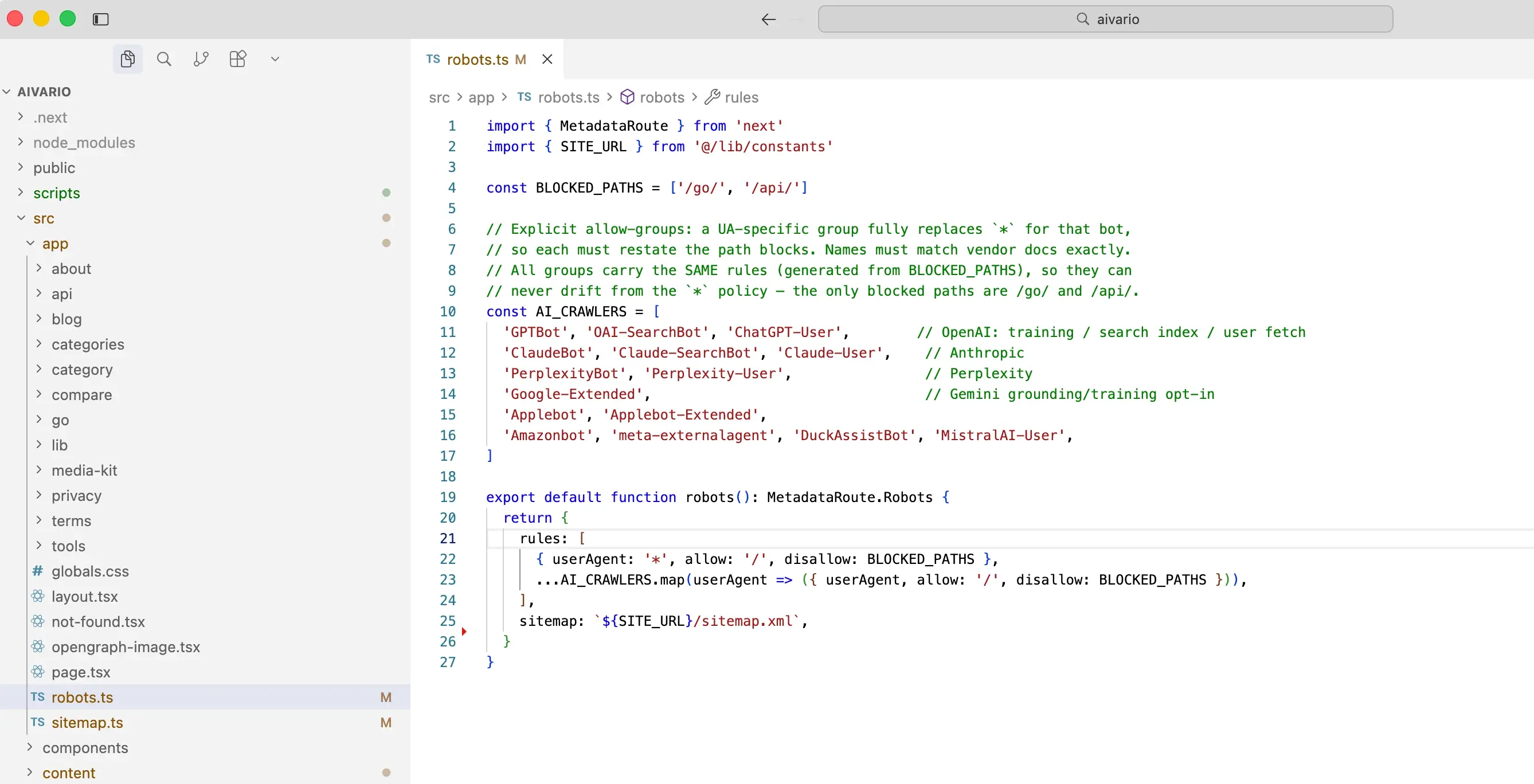
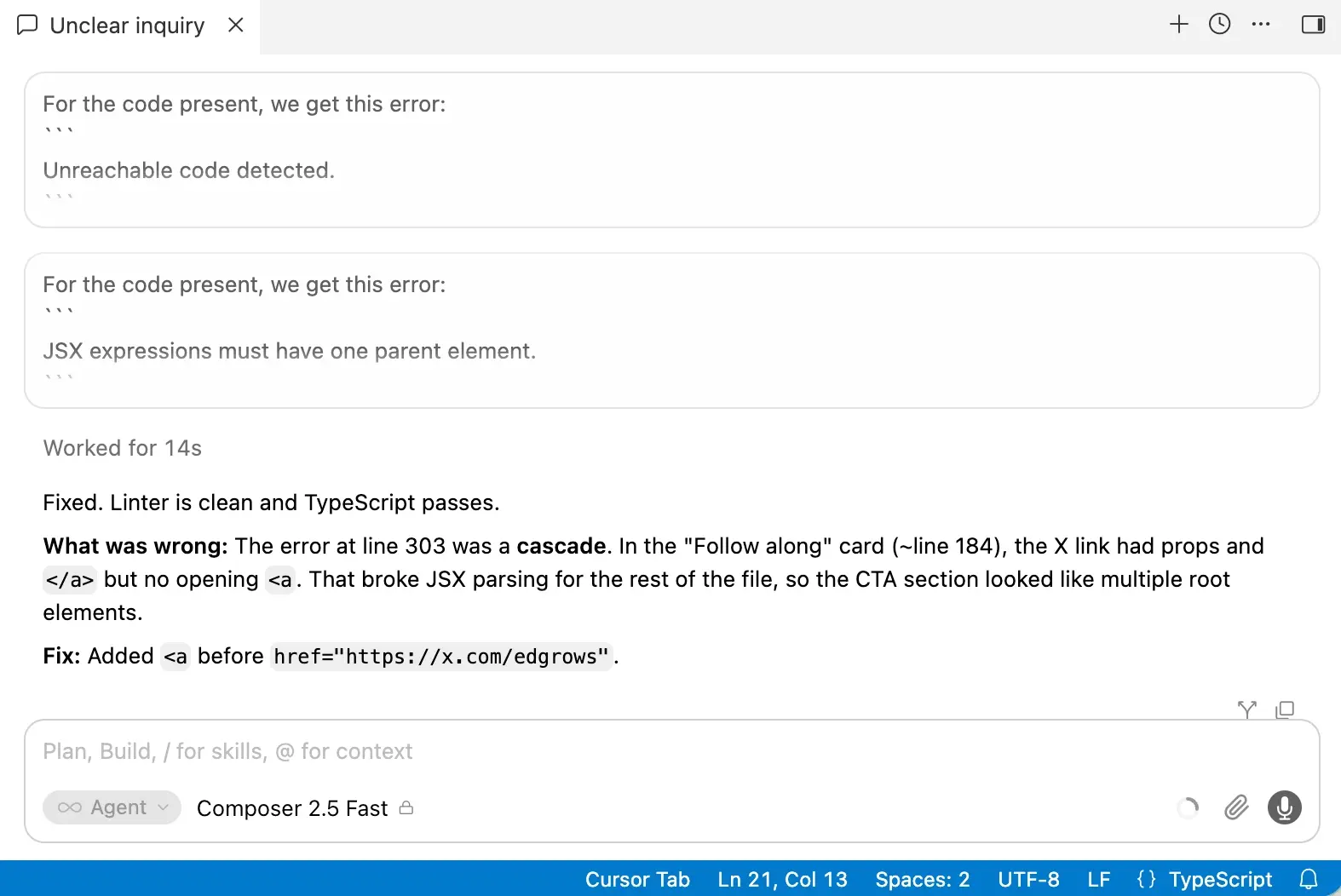
I've used Cursor as my primary editor for building AIVario, a Next.js 16.2 App Router site in TypeScript with MDX content, deployed on Netlify. That's a few hundred content files and a codebase I've refactored more than once, so it's had a fair workout on real work rather than a toy project.
Three things stand out from actually living in it.
The codebase index is the feature. Everything else follows from Cursor understanding the whole project. When I ask for a change that touches the content loader, the sitemap generator, and the type definitions, it knows those files relate, so I don't have to open each one and explain the connection. On a project where content, types, and rendering are spread across src/lib, src/types, and src/app, that's the difference between AI being useful and AI being a party trick.
Tab autocomplete earns its keep quietly. It's the least flashy feature and the one I'd miss most. Multi-line predictions that actually match the patterns already in the codebase mean a lot of routine editing just happens. It's not writing my architecture; it's removing the typing between decisions.
Migration cost was essentially zero. As a VS Code fork, my extensions and settings came over on first launch and nothing in my setup broke. That sounds minor until you've tried tools that ask you to rebuild your environment before you can evaluate them.
The weak spot is cost predictability. Auto mode and Tab leave the pool alone, but when I manually pick a frontier model for a long agent session, the usage moves fast. Cursor's own pricing FAQ recommends Pro+ for daily agent users, and that's a fair signal: if you lean on agents daily, $20 is a starting point rather than a landing place. To be honest, the free version is enough for me right now - just give it a try.
From Cursor 3 to Projects: a year of agents
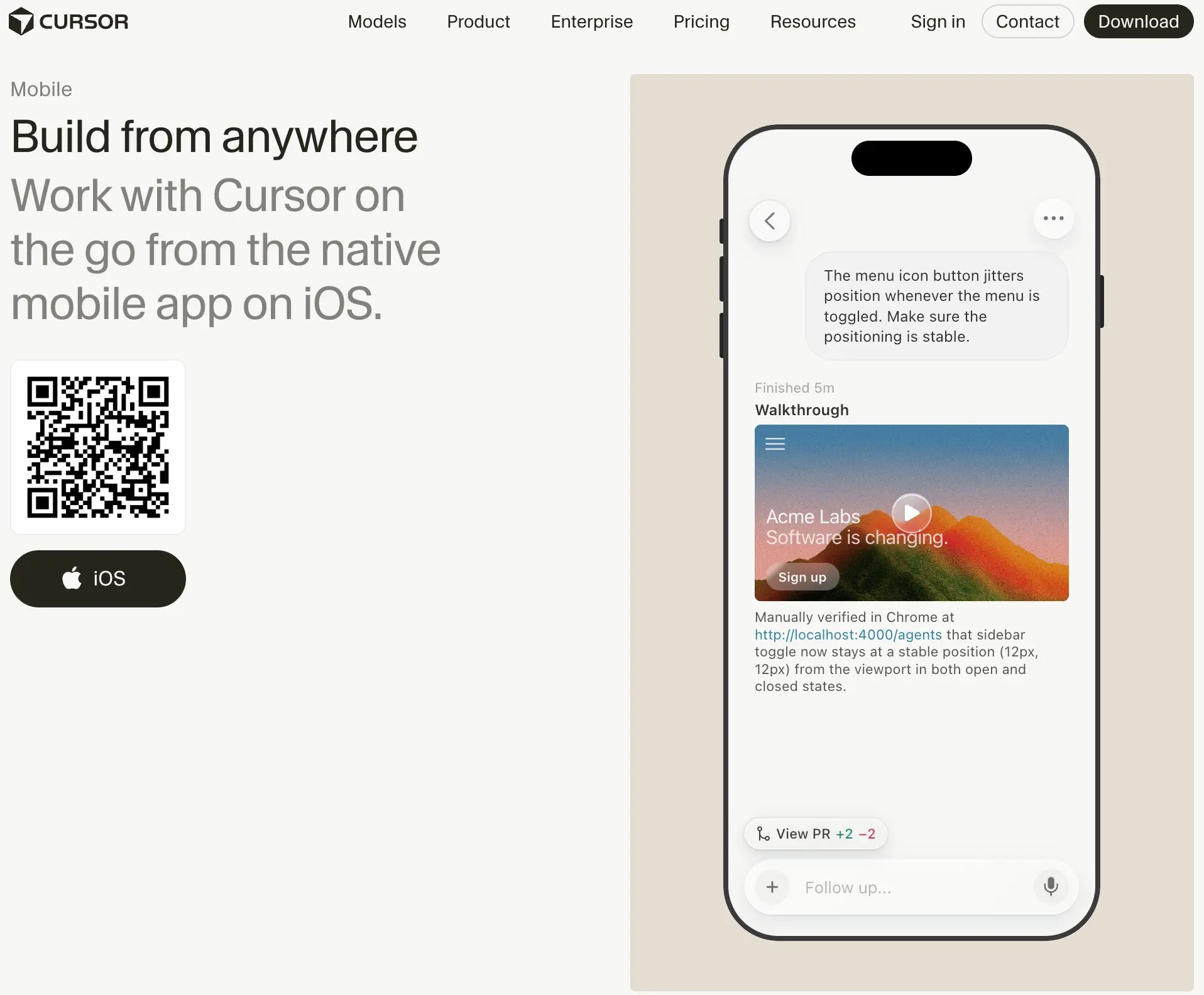
Cursor 3 shipped on April 2, 2026 and rebuilt the product around agents. The Agents Window is a separate workspace where local agents, cloud agents and agents started from the phone app, the web, Slack, GitHub or Linear all appear in one sidebar, and you can switch back to the classic editor at any time. Version 3.1 added a tiled layout for watching several agents at once, and Design Mode lets you select an element in a browser and hand it to an agent as context. Composer 2.5, Cursor's current in-house model, followed in May.
September 2026 pushed further. Projects, launched in beta for all users on September 10, handle larger bodies of work such as a feature, a migration or a whole app: a coordinator agent plans the work, delegates it to many agents running on cloud machines, keeps shared context over months, and can subscribe to a Slack channel, a schedule or your pull requests to act without being prompted. Self-hosted machines, from September 2, let companies keep tool execution inside their own network, and cloud agents can now run on infrastructure such as AWS Lambda, Cloudflare, Modal, Vercel and E2B. On September 23, Cursor added two bots for Teams and Enterprise: Rollouts, which watches each change as it deploys and flags regressions, and Security Review, which reports exploitable bugs on every pull request while Bugbot handles style and quality.
The pattern is clear: the editor is becoming a place where you supervise work as well as write it, from your desk, your phone or Slack.
What SpaceX ownership changes
For individual developers, little has changed in daily use so far: the same editor, the same plans and continued weekly releases. The visible differences are in models and extras. Grok models get generous limits on paid plans, Grok 4.7 appears as a suggested model, and Grok Bot, an assistant that signs in to your tools to handle work such as email and expenses, is included from Pro upward.
For companies, ownership is a vendor question to weigh. Cursor's model choice still spans OpenAI, Anthropic, Google, SpaceXAI and its own Composer, privacy mode guarantees that code is not used for training by Cursor or its model providers, and Cursor lists SOC 2, ISO 27001, ISO 42001 and AIUC-1 certifications. Enterprises that are sensitive about who owns their tools should review the terms after the change of control, as they would for any acquisition.
Plans, limits and when $20 runs out
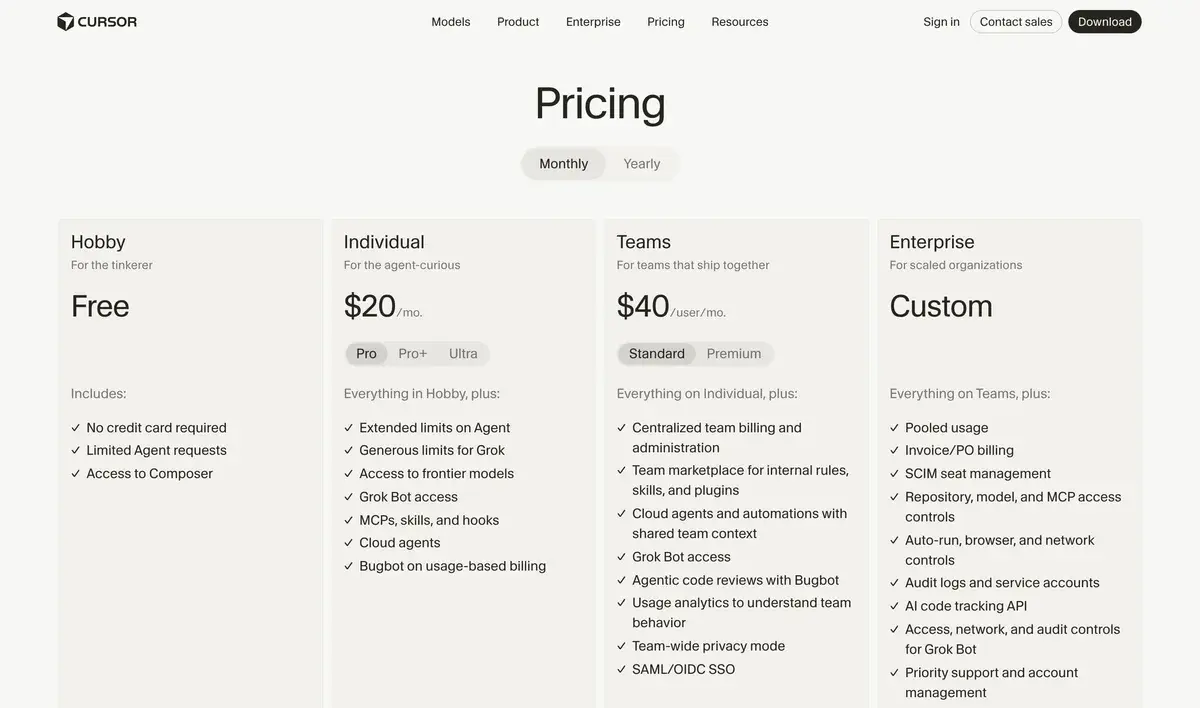
Cursor's pricing page on monthly billing as of September 30, 2026. Switching to yearly shows the lower prices in the table below.
Plan
Monthly
Yearly (per month)
What it adds
Hobby
Free
Free
Limited agent requests, access to Composer, no card needed
Pro
$20
$16
Extended agent limits, frontier models, Grok limits and Grok Bot, MCPs, skills and hooks, cloud agents, Bugbot on usage-based billing
Pro+
$60
$48
Three times Pro's agent limits; recommended by Cursor for daily agent users
Ultra
$200
$160
Twenty times Pro's limits, for agent power users
Teams Standard
$40 per user
$32
Central billing, team marketplace for rules and skills, cloud agents with team context, Bugbot reviews, analytics, privacy mode, SAML or OIDC SSO
Teams Premium
$120 per user
$96
Five times Standard's usage
Enterprise
Custom
Custom
Pooled usage, invoicing, SCIM, repository, model and MCP access controls, audit logs, AI code tracking API
Every plan includes a set amount of model usage, and on-demand usage lets you keep working after that, billed afterwards. Tab completions are unlimited on paid plans, which is why autocomplete-heavy developers rarely think about billing on Pro. What consumes the allowance is long agent sessions on frontier models, and Cursor's own FAQ steers daily agent users to Pro+ at $60 and power users to Ultra at $200.
Yearly billing takes 20% off every individual tier, bringing Pro to $16 a month. For comparison, GitHub Copilot Pro costs $10 and Zed's Pro plan $10; Cursor is priced above both because it does more, and the difference pays off only if you use the agents.
Cursor next to Claude Code, Copilot, Devin Desktop and Zed
Claude Code is the most common real comparison. It is terminal-native: you delegate to an agent operating on your repository, with no editor in between. Cursor keeps the editor in front with AI working around it. Plenty of developers run both, using Cursor interactively and Claude Code for longer autonomous jobs.
GitHub Copilot costs half as much, from $10 with unlimited completions and AI Credits for chat and agents, and works inside the editor you already use, including JetBrains IDEs and Xcode. Cursor goes deeper on agents and project context inside its own app. Our Cursor vs GitHub Copilot comparison covers the choice in detail.
Devin Desktop, formerly Windsurf and renamed in June 2026, is the closest structural rival: also a VS Code fork, also agent-first, also $20 for Pro, with Cognition's Devin cloud agents behind it. Cursor has the deeper model catalog and the Projects system; Devin Desktop leans harder on autonomous cloud agents.
Zed is faster, built in Rust with GPU rendering, open source and cheaper at $10 for Pro. Cursor has the bigger extension ecosystem and more mature agents.
Where Cursor is the wrong pick
Cost predictability is the main reservation. Included usage runs out quickly under heavy agent use on frontier models, and on-demand billing makes the monthly total hard to forecast, so teams on fixed budgets should watch usage in the admin dashboard from day one. Initial indexing on very large monorepos is slow and resource-hungry, even if it pays off afterwards.
Cursor also only exists as its own VS Code-based app, so developers committed to IntelliJ, Xcode or Vim-style editors are better served by tools that plug into those. And the SpaceX acquisition, while it has not slowed shipping, adds a new owner whose priorities include its own models, which some companies will want to evaluate before standardizing.
For working developers who want AI in the editor and will actually use agents, Cursor remains the strongest option. For flat, predictable billing on a budget, choose Copilot; for raw speed and open source, Zed.
Disclosure: AIVario earns a commission if you sign up through our link. This does not affect our rating or review: we build AIVario in Cursor and rate it on capability, not commission.
Related Tools
Claude Code: terminal-native agent, the other half of many developers' setup
Hobby is free with limited agent requests and access to Composer. Pro costs $20 a month or $16 billed yearly, Pro+ $60 or $48, and Ultra $200 or $160, each with more agent usage. Teams Standard costs $40 per user a month or $32 yearly, Teams Premium $120 or $96 with five times the usage, and Enterprise is priced on request.
Who owns Cursor now?
SpaceX. It agreed in June 2026 to buy Anysphere, Cursor's maker, for $60 billion in stock and completed the deal on August 14, 2026, folding Cursor into SpaceXAI, the division that also makes Grok. The product kept shipping through the deal, and Grok models and a Grok Bot now appear in Cursor's plans alongside models from OpenAI, Anthropic and Google.
What changed in Cursor during 2026?
Cursor 3 arrived on April 2 with the Agents Window, a workspace for local and cloud agents, and version 3.1 added a tiled layout. Composer 2.5 followed in May. In September Cursor added self-hosted machines, Projects, where a coordinator agent delegates work to many agents over weeks, and Rollouts and Security Review bots for Teams and Enterprise.
Is Cursor Pro at $20 enough?
For autocomplete plus occasional agent runs, yes: Tab completions are unlimited on paid plans. Long agent sessions on frontier models are what use up the included amount, after which usage continues on demand and is billed afterwards. Cursor's own pricing FAQ recommends Pro+ for daily agent users and Ultra for agent power users.
What is Composer?
Composer is Cursor's own family of coding models, trained with reinforcement learning on real engineering tasks. Composer arrived in October 2025, Composer 2 in March 2026 and Composer 2.5, the current version, in May 2026. It runs only inside Cursor, including on the free Hobby plan, and reduces Cursor's dependence on outside model makers.
Should I use Cursor or Claude Code?
They have different centers of gravity. Claude Code is terminal-native: you delegate to an agent that works on your repository. Cursor keeps the editor in front, with AI working around it. If you review diffs visually and want autocomplete and agents in one place, choose Cursor; if you live in the shell, Claude Code. Many developers run both.
Can I use my VS Code extensions in Cursor?
Almost all of them. Cursor is a VS Code fork, so the vast majority of extensions work unmodified, and a one-click import on first launch brings over your settings and extensions. A few extensions that depend on Microsoft-only APIs can have rough edges, but for a typical setup the move takes minutes.
Does Cursor train on my code?
Not with privacy mode on. Cursor's pricing FAQ says that when privacy mode is enabled, in your settings or by a team admin, code data is not used for training by Cursor or its model providers. Teams can enforce privacy mode for everyone, and Cursor lists SOC 2, ISO 27001 and ISO 42001 certifications.
Does Cursor slow down on large codebases?
Initial indexing on very large monorepos is the known pain point: it takes significant CPU and memory before suggestions become fully aware of the project. Once indexed, performance is fine. For a normal project the indexing pass is unremarkable, and the repository index is what makes the agent useful afterwards.