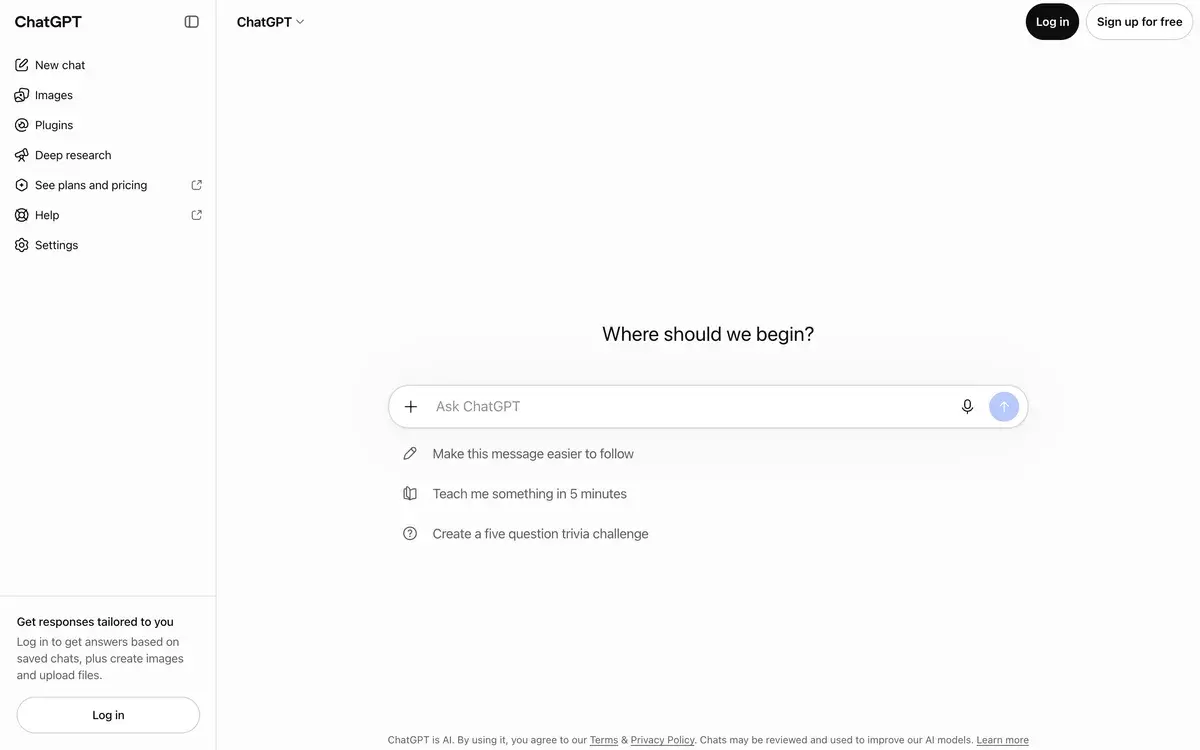
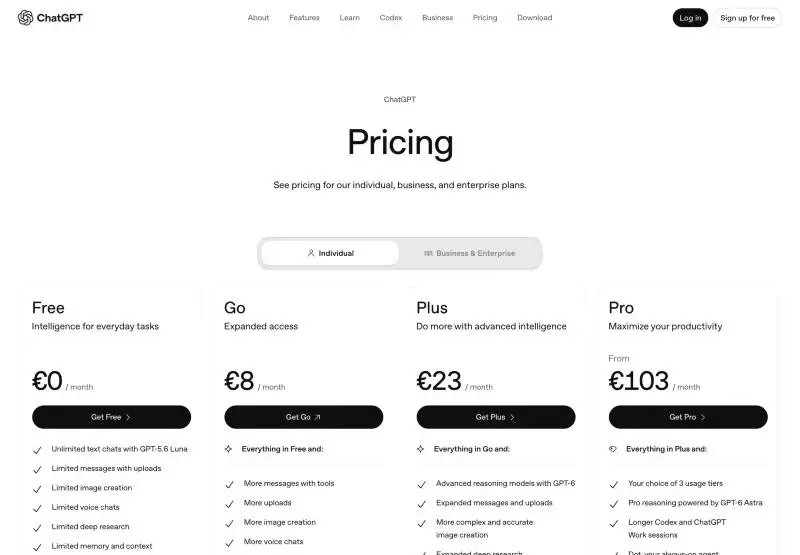
ChatGPT has a free plan with unlimited everyday text chats on GPT-5.6 Luna, Go at $8 a month with higher limits for images, uploads and tools, and Plus at $20 a month, the first plan without ads and with GPT-6 reasoning, projects, custom GPTs and expanded Codex. Pro now comes in three monthly tiers: Pro 100 at $100, Pro 200 at $200 and, since September 29, 2026, Pro 500 at $500 with the most usage and Astra Ultrafast. Ads can appear on Free and Go. Business costs $20 per Standard seat or $100 per Premium seat a month billed yearly, with a two-seat minimum. Go, Plus and Pro have no annual billing.
✓Best for: Anyone who wants one assistant for writing, research, images, voice and coding, from free use to heavy agent work on Pro
✗Skip if: You want ad-free AI without paying $20, or you mostly write long documents, where Claude often needs fewer edits
On September 29, 2026, OpenAI added a sixth way to pay for ChatGPT: Pro 500, at $500 a month. The lineup now runs from a free plan with ads to a bill bigger than most software licences. So the question isn't whether to pay. It's where your own limits fall.
Six plans, from $0 to $500
Plan
A month
What it adds
Free
$0
Unlimited text chats with GPT-5.6 Luna; limited images, voice, deep research, uploads and Codex; ads may appear
Go
$8
Higher limits for messages with tools, uploads, images and voice, longer memory; ads may appear
Plus
$20
GPT-6 reasoning, projects, scheduled tasks, custom GPTs, expanded Codex and ChatGPT Work, no ads
Pro 100
$100
GPT-6 Astra Pro reasoning, longer Codex and Work sessions, dots, unlimited images
Pro 200
$200
Pro with 10 times Plus's Work and Codex allowance for new subscribers
Pro 500
$500
25 times Plus's allowance and Astra Ultrafast
The pricing page in its euro version on October 2, 2026, with VAT included. US prices are $0, $8, $20 and from $100; the Pro tiers come from OpenAI's help center.
None of the personal plans can be paid yearly. OpenAI bills all three month by month. Teams buy Business instead, where a Standard seat costs $20 a user billed yearly or $25 monthly. A Premium seat, with five times the usage and no five-hour cap, costs $100 or $125. A workspace needs two paid seats and can hold up to 200.
Where the lines between plans fall
Free to Go. Both plans have unlimited everyday text chats, so Go buys more of everything else, mainly images and uploads. Ads may appear on both, which makes Go an odd middle step. It suits someone who hits the free image or upload caps every week but doesn't need reasoning models.
Go to Plus. This is the big jump. Plus is the first plan without ads, and the first with GPT-6 reasoning and enough deep research to use every week. Projects and custom GPTs start here too. Its context windows are 54,000 tokens for quick replies and 256,000 for reasoning, against 27,000 on Free. For writing and everyday coding help, most people never need more.
Plus to Pro. Pro is priced for people who run Codex or ChatGPT Work for hours a day. The tiers differ mainly in allowance. Ultrafast, a faster service tier for GPT-6 Astra, is available only on Pro 500. Speed costs allowance: Fast mode uses it 2.5 times as quickly as Standard, and Astra Ultrafast 8 times. Anyone who held Pro 200 between September 22 and 29 keeps the old, larger allowance until October 29, 2026. New Pro 200 subscribers get the smaller one at the same $200.
Ads on the two cheapest plans
OpenAI began testing ads in the US on February 9, 2026 and is rolling them out to Free and Go users in more countries. They appear below a response, labelled as sponsored. The system picks them from the context of the conversation and, if ads personalization is on, from other signals in your account. Accounts identified as belonging to under-18s don't see them. OpenAI says advertisers can't shape answers, and Plus and every plan above it stay ad-free.
What arrived in the autumn
ChatGPT is now as much a workspace as a chat window, and many of the recent additions are reserved for paid plans:
Dots, launched September 29, are always-on agents with their own cloud computer. They keep working toward a goal between conversations and are rolling out to Pro and Business Premium users, with Pro excluding the EEA, Switzerland and the UK at launch.
Space and Pages organize files and shared documents that several people can edit, each with their own ChatGPT. They're for Pro, Business and Enterprise users.
Codex Cloud runs coding tasks in isolated environments that keep going while your computer sleeps. GPT-6.1 Sol is rolling out in ChatGPT Work and Codex, starting with Pro.
The desktop app for macOS and Windows, released in July, has a built-in browser and absorbed the agent from OpenAI's Atlas browser, which closed in August.
Shopping try-on, added October 1, generates an image of you wearing clothes from product listings, and the iPhone camera can now scan several pages into one PDF.
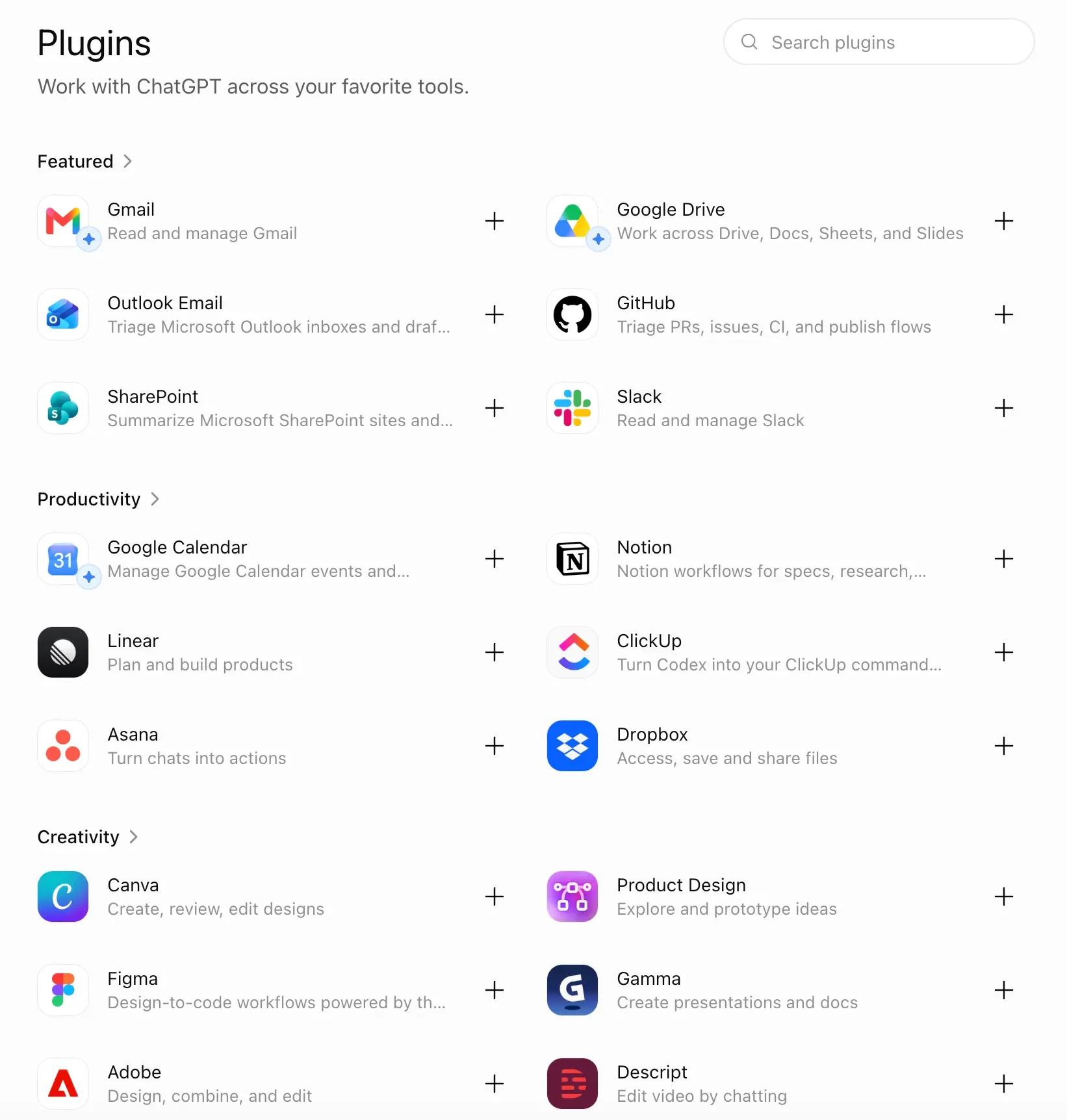
Plugins connect ChatGPT to dozens of apps, from Gmail and Slack to design tools like Canva and Figma. Eligible Plus and Pro users can now let participating apps draw on their ChatGPT allowance, so those apps don't need an API key.
A second opinion, not a replacement
I’ve been using ChatGPT for a while now, and at the moment I’m on the free plan. For the way I use it, the free version is actually more than enough. I mostly use ChatGPT as a second opinion and as a way to double-check the work I’m doing with other AI assistants like Claude, Gemini, and Grok.
One of the things I like most about ChatGPT is that I can use it to challenge ideas rather than just generate answers. When I’m working on a new product, software development project, marketing strategy, or business idea, I’ll often run the same problem through several different AI tools and compare the results. ChatGPT is particularly useful for finding gaps, questionable assumptions, or weak points in an approach that initially seems solid.
It can be a little blunt sometimes, especially when it disagrees with an idea or thinks a strategy isn’t going to work. But honestly, I don’t necessarily see that as a bad thing. I’d rather have an AI assistant point out the problems in my thinking than simply tell me that everything looks great. In many cases, those disagreements have actually helped me improve my strategies, development decisions, and marketing plans.
I also like how the broader OpenAI ecosystem is developing. ChatGPT is no longer just an AI chatbot for asking questions or generating text. It’s becoming a much more useful general-purpose AI assistant for research, analysis, coding, brainstorming, writing, and software development. The integration with tools like Codex is especially interesting from a developer’s perspective.
Right now, I still use several AI assistants depending on the task. Claude, Gemini, and Grok each have their own strengths, so I don’t see ChatGPT as a complete replacement for everything else. I actually like having multiple AI models available and comparing their approaches.
That said, I can definitely see myself eventually moving a much larger part of my workflow to the ChatGPT + Codex ecosystem. If OpenAI continues improving the coding and agent capabilities, I could see it becoming my main AI stack for both development and everyday work.
Overall, I’m pretty happy with ChatGPT. The fact that the free version already gives me enough value for my current workflow is a big plus. More importantly, I find it useful not just for getting answers, but for getting a second perspective and stress-testing my ideas before I actually act on them.
Against Claude, Gemini and Perplexity
Claude costs the same $20 and is often the better writer, especially for long documents. ChatGPT does more for the money, with images, voice, the $8 tier and a richer free plan. Our Claude vs ChatGPT comparison goes plan by plan. Gemini is the pick for people who live in Google's apps, compared in Gemini vs ChatGPT. Perplexity is better when every claim needs a source, as Perplexity vs ChatGPT explains. Grok, with four paid tiers of its own, is covered in ChatGPT vs Grok.
The free plan is the right place to begin, and Plus is the step up once you need reasoning models, projects or an ad-free screen. Skip Go unless you only need more images and uploads. Consider Pro only if Codex or ChatGPT Work run most of your day, and start at Pro 100. The tiers share almost all features, so moving up later is a small decision, not a gamble.
What is the difference between ChatGPT Plus and Pro?
Plus, at $20 a month, covers most people: GPT-6 reasoning models, deep research, projects, scheduled tasks, custom GPTs, expanded Codex and ChatGPT Work on desktop, web and mobile. Pro adds GPT-6 Astra for Pro reasoning, longer Codex and Work sessions, dots and unlimited image creation, and comes in three tiers. Pro 200 now gives 10 times Plus's Work and Codex allowance to new subscribers and Pro 500 gives 25 times, plus Astra Ultrafast.
Is ChatGPT Go worth it over the free plan?
Only if you keep hitting the free limits on images, uploads, voice or data analysis. Text chats are unlimited on both plans within abuse guardrails, and ads may appear on both. Go costs $8 a month; Plus at $20 is the first plan without ads and with reasoning models.
Does ChatGPT Plus have limits?
Yes. Everyday text chats are effectively unlimited, but reasoning models, deep research, image creation, uploads, Codex and ChatGPT Work all have caps that reset over time, and limits can tighten during peak demand. The instant model's context window on Plus is 54,000 tokens and reasoning models get 256,000. Heavy Codex or agent users are the people who outgrow Plus.
Can I pay for ChatGPT yearly?
Not for personal plans. OpenAI says Go, Plus and Pro are billed monthly only, with no annual option or prepayment. Business is the plan with a yearly discount: $20 instead of $25 a month for a Standard seat and $100 instead of $125 for Premium.
Is ChatGPT Plus free for students?
In the US, for now. OpenAI's 2026 Back to School offer gives eligible college and graduate students four free months of Plus after verifying enrollment through SheerID; it must be claimed by October 31, 2026 and then renews at $20 a month unless cancelled. Subscriptions billed through Apple or Google Play can't use it.
How much does ChatGPT Business cost?
A Standard seat costs $20 per user a month billed yearly or $25 monthly, and a Premium seat $100 or $125 with five times the usage and no five-hour limit. A workspace needs at least two paid seats and, since August 24, 2026, can hold up to 200; larger organizations move to Enterprise.
Does ChatGPT show ads?
On Free and Go, ads may appear below answers, clearly labelled as sponsored. OpenAI started testing them in the US on February 9, 2026 and is expanding to more regions. Plus, Pro, Business, Enterprise and Edu accounts don't get ads, and OpenAI says ads don't influence ChatGPT's answers.